
 Original
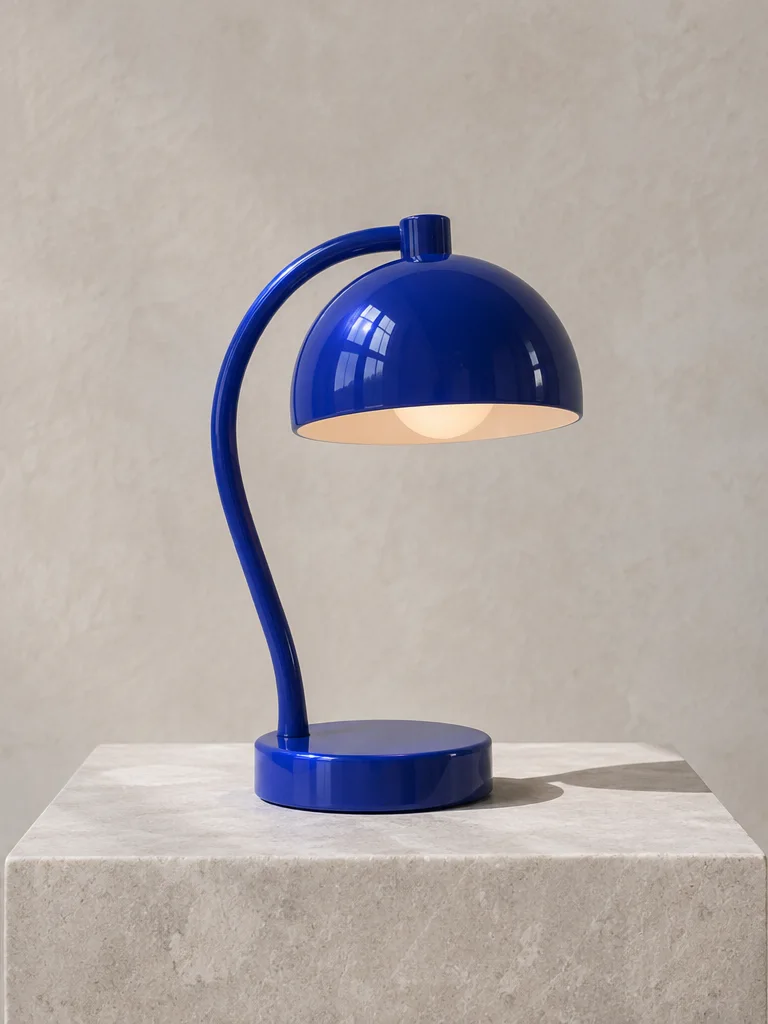 Illustration
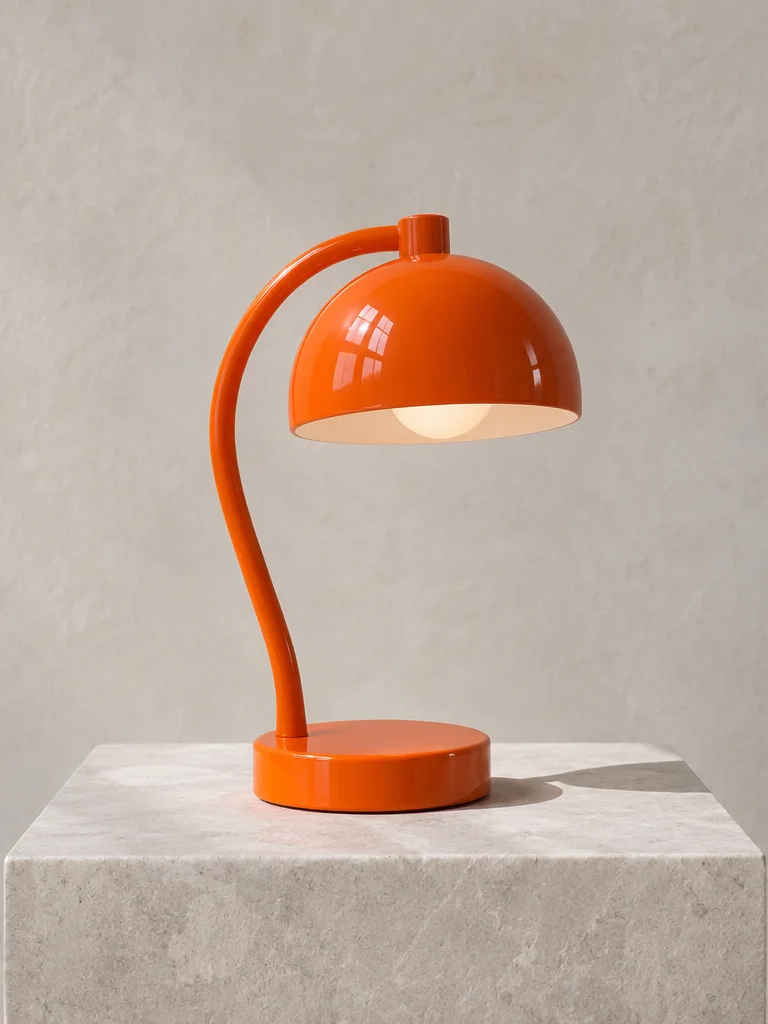
Recolor one product finish
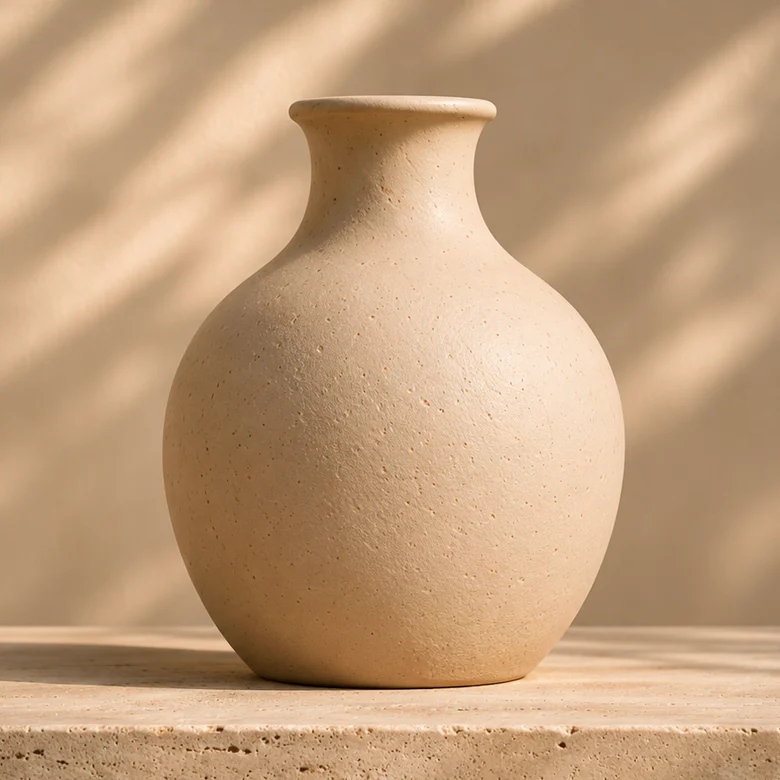
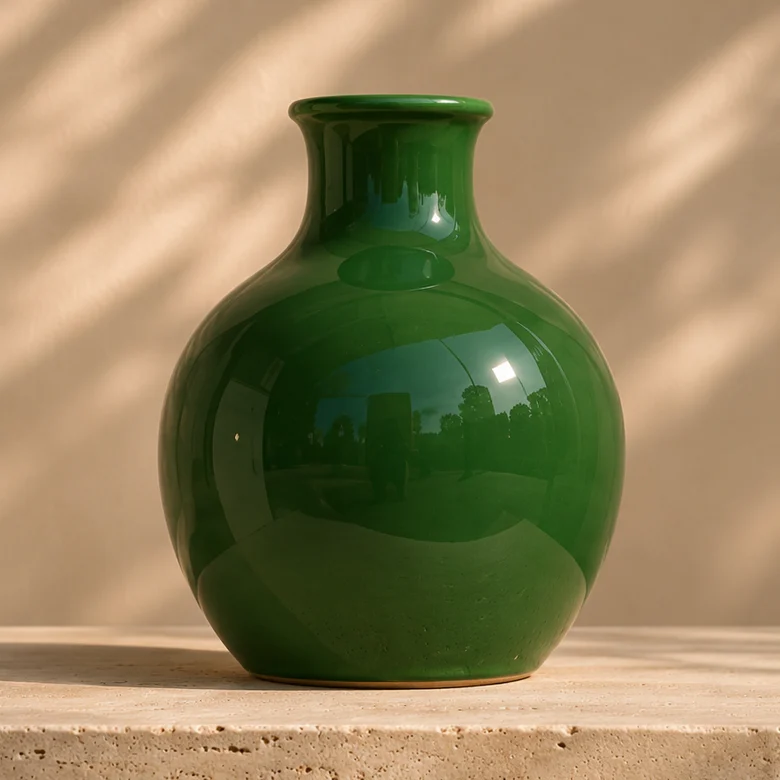
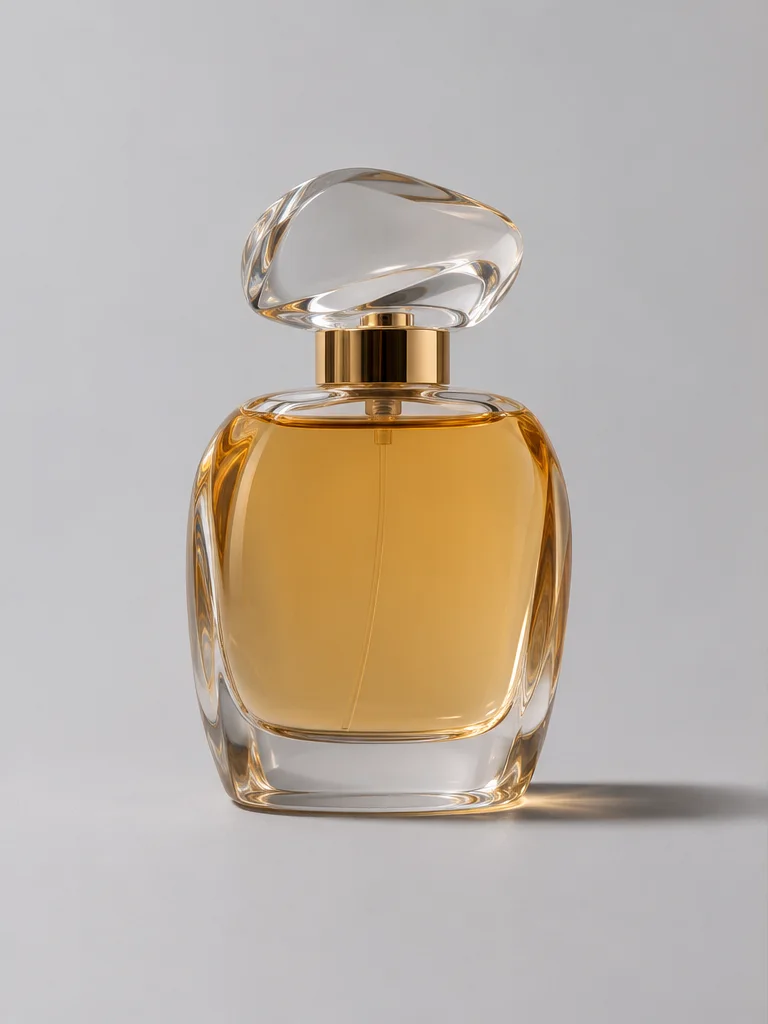
This illustration shows how to specify a finish without moving the product. Compare the curve of the neck, the base edge, and the highlight on the shade before accepting the change.
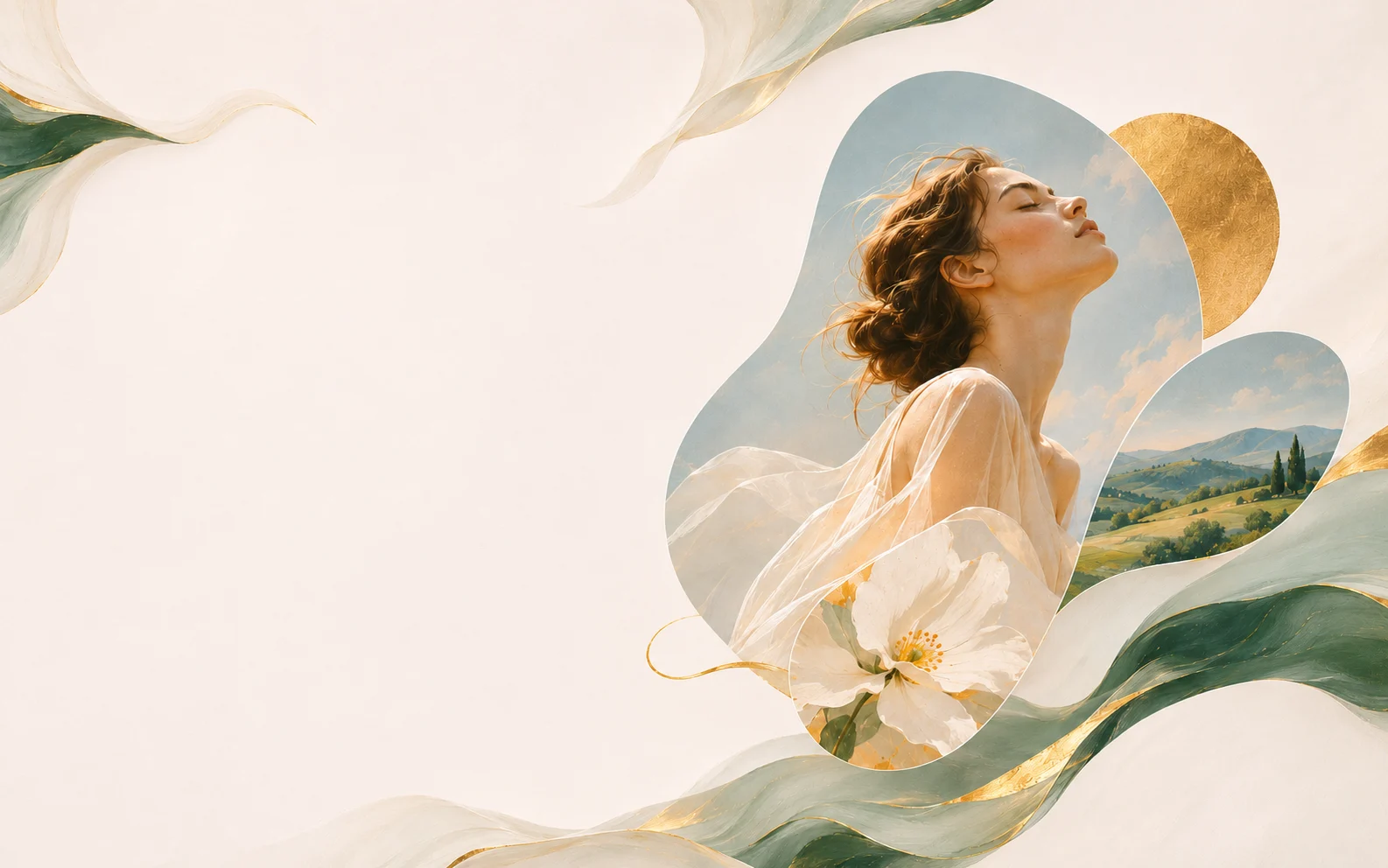
Create, edit, and transform images with AI.
Simple, powerful, and made for everyone.
Or start with a template
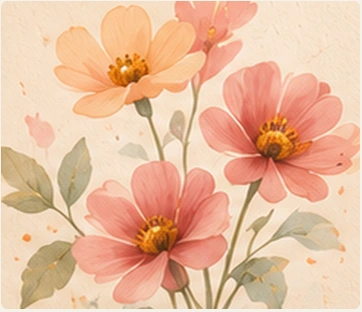

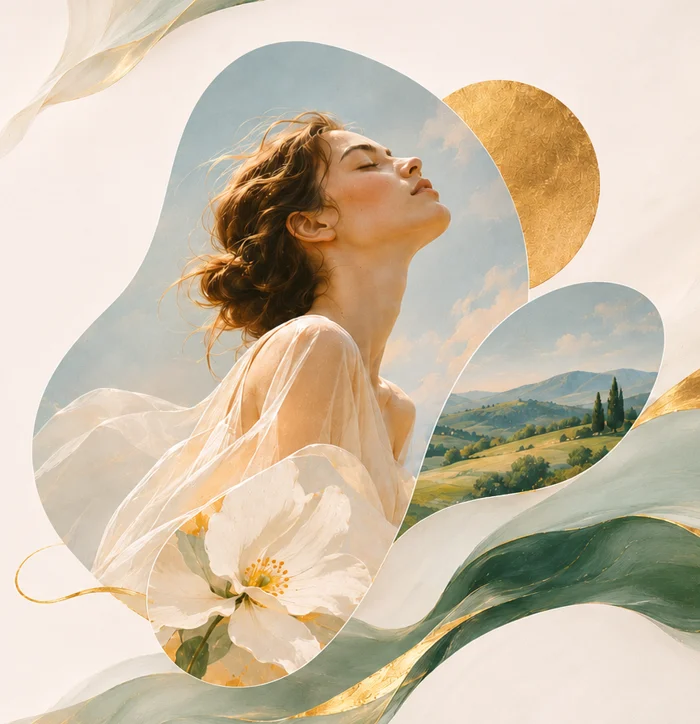
Start with a simple tool, or choose a ready-made look for your image.
Explore all templatesChoose the result you want. We’ll guide you to the right creative tool.
Start with the image you have. Create the result you want.
Describe an edit or pick a visual style.
Tell us which details matter to you.
Move between tools without starting over.

One image. Three simple steps. No design experience needed.
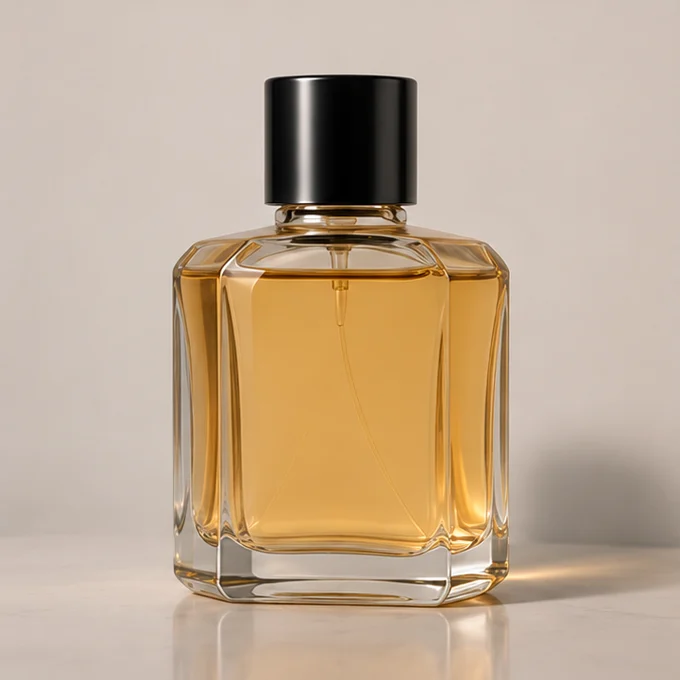
Start with your own photo.
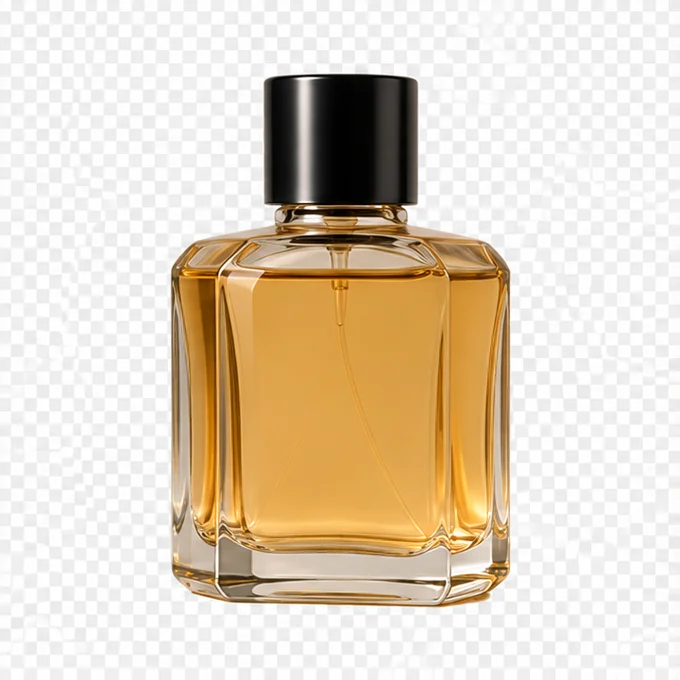
Tell Studio what you want to change.
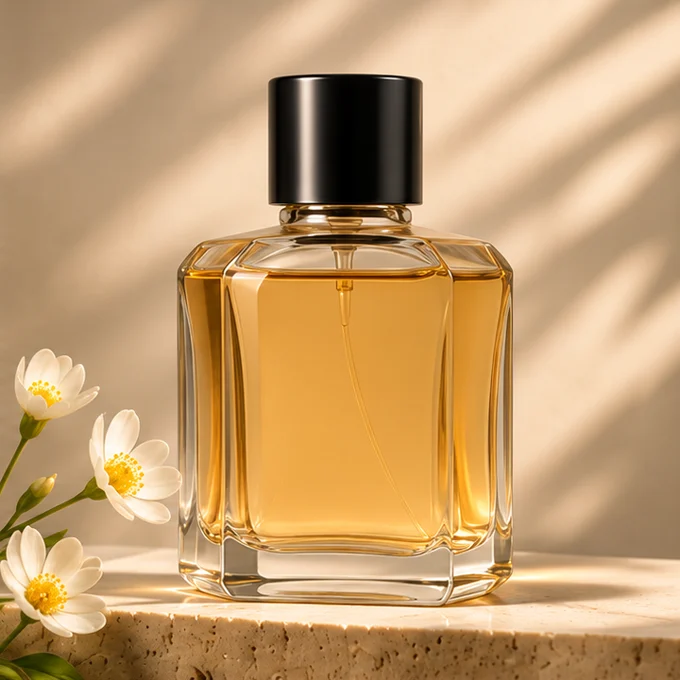
Compare the result, keep editing, or download it.
OriginalIllustrationThis illustration shows how to specify a finish without moving the product. Compare the curve of the neck, the base edge, and the highlight on the shade before accepting the change.
 Original
 Illustration
Specify the new setting and the details that identify the product.
 Original
 Illustration
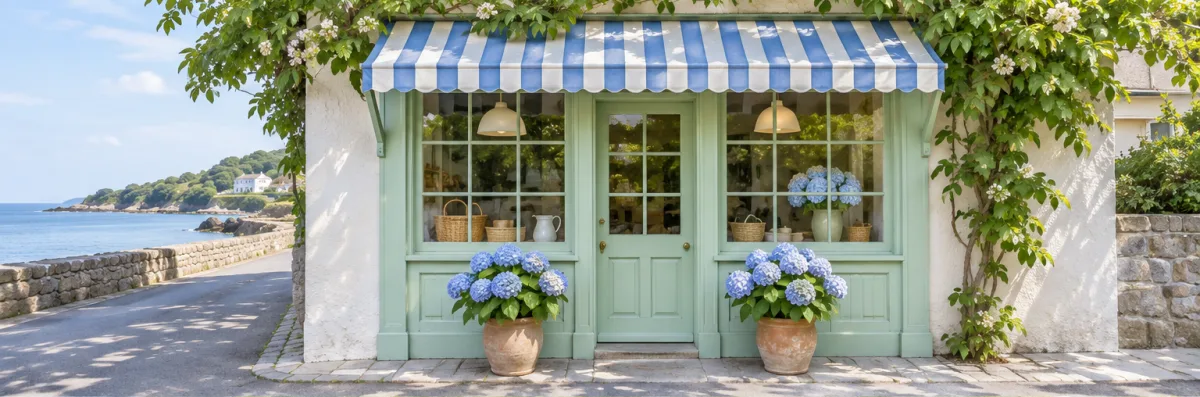
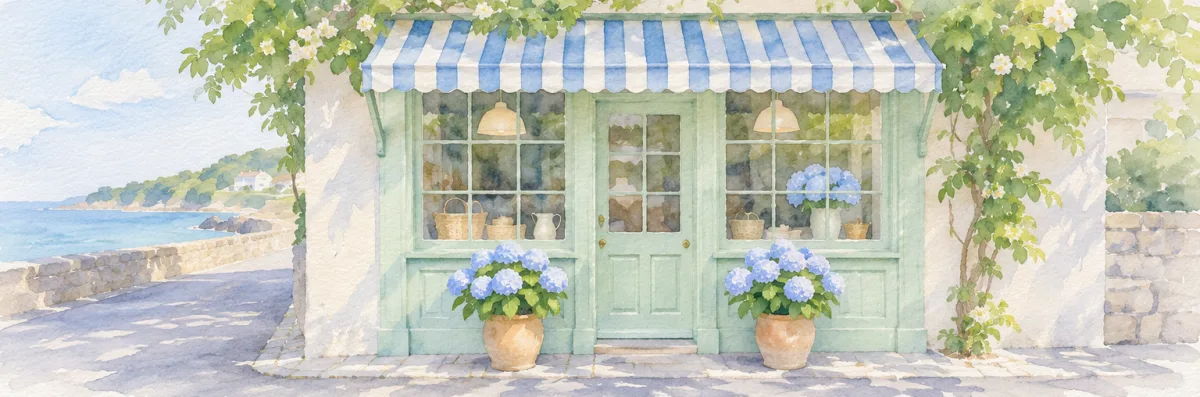
Choose the details that define the building before changing the medium. Check that the entrance and awning still sit where a viewer expects, even when linework and color are simplified.
 Original
 Illustration
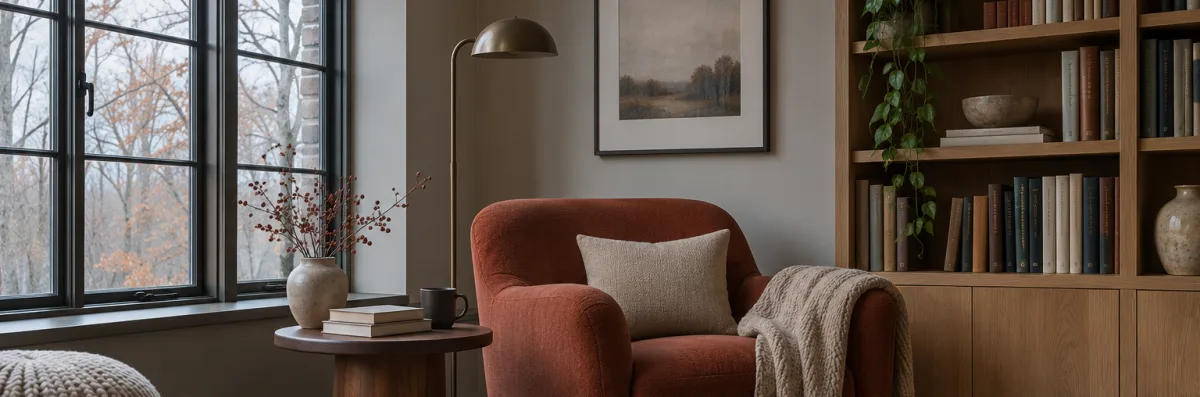
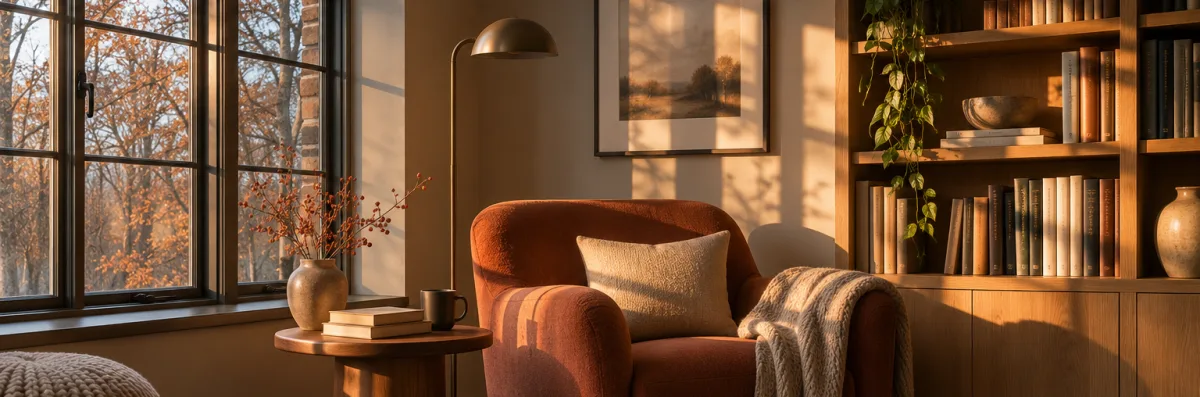
Describe the light source, direction and time of day. Inspect shadows around the chair and the wall near the window so the new lighting still reads as one scene.
 Original
 Illustration
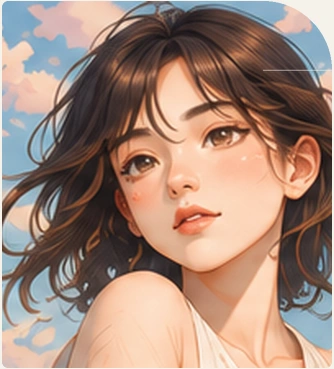
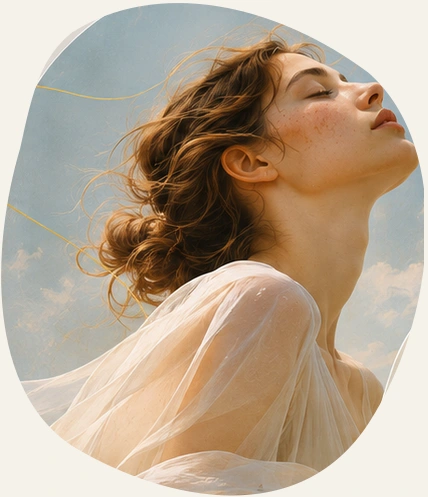
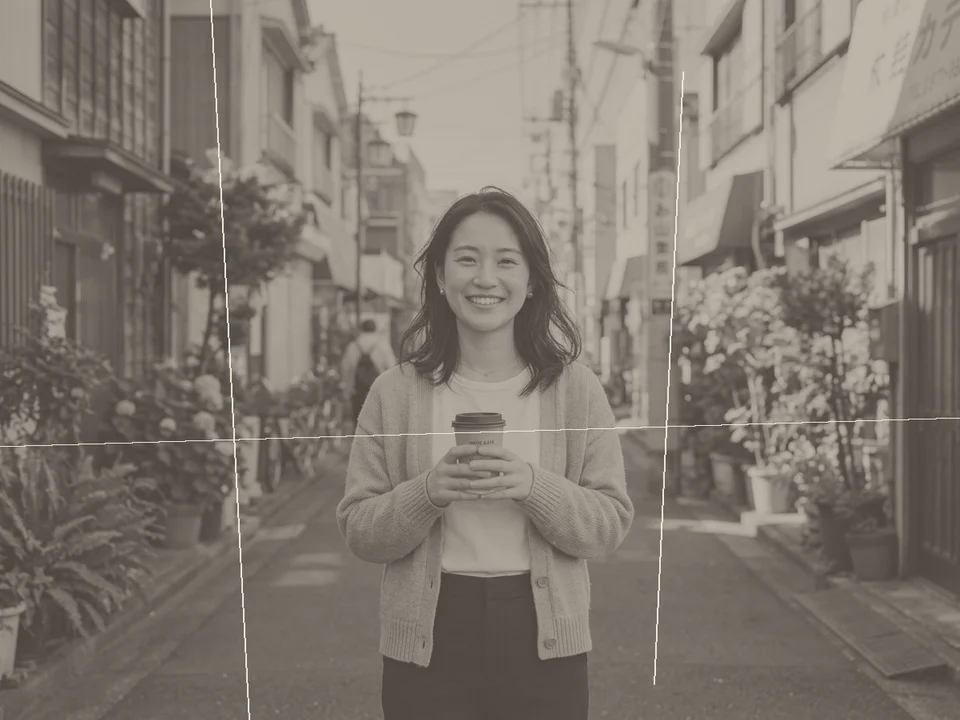
Look at faces and lettering when comparing the restored image. Details lost in the original may be reconstructed.
Choose the way to create that fits your needs.
2 signup credits for one Smart edit. No card required.
Get startedOne-time credits with no expiry.
Recurring credits and Professional access.
See the pricing page for plan details and checkout availability.
Everything you need to get started.
Image to Image AI transforms an existing photograph using your text prompt while preserving its composition, lighting geometry, and subject placement. It is ideal for recoloring products, shifting ambient light, and restyling scenes without starting from scratch.
Yes. Sign in with Google to receive 2 free credits—enough for a full watermark-free generation in Smart mode. You can also preview interactive before-and-after examples in the studio before uploading your own photo.
Describe what should change alongside what must stay fixed—such as camera angle, facial expression, or background surface—and keep edit strength moderate for photorealistic updates.
Choose Nano Banana 2.1 (Smart) for fast everyday edits, colorway previews, and concept exploration. Switch to Nano Banana Pro (Professional) when you want finer texture fidelity, crisp reflections, and higher-resolution output.
Yes. You can take any finished render straight into a follow-up pass to tweak lighting, adjust a color, or polish fine details without starting over.
Your uploads are used strictly to process your edit, never displayed publicly, and automatically deleted from temporary storage within 24 hours.