
Payment successful! Your credits have been added.
Payment is being confirmed. Credits will arrive automatically shortly.
Img2Img Studio
Built for creators who demand controllable img2img results. Lock your reference composition, steer visual fidelity with precision prompts, and switch seamlessly between Smart and Pro models.
Upload a reference image or select a template to start.
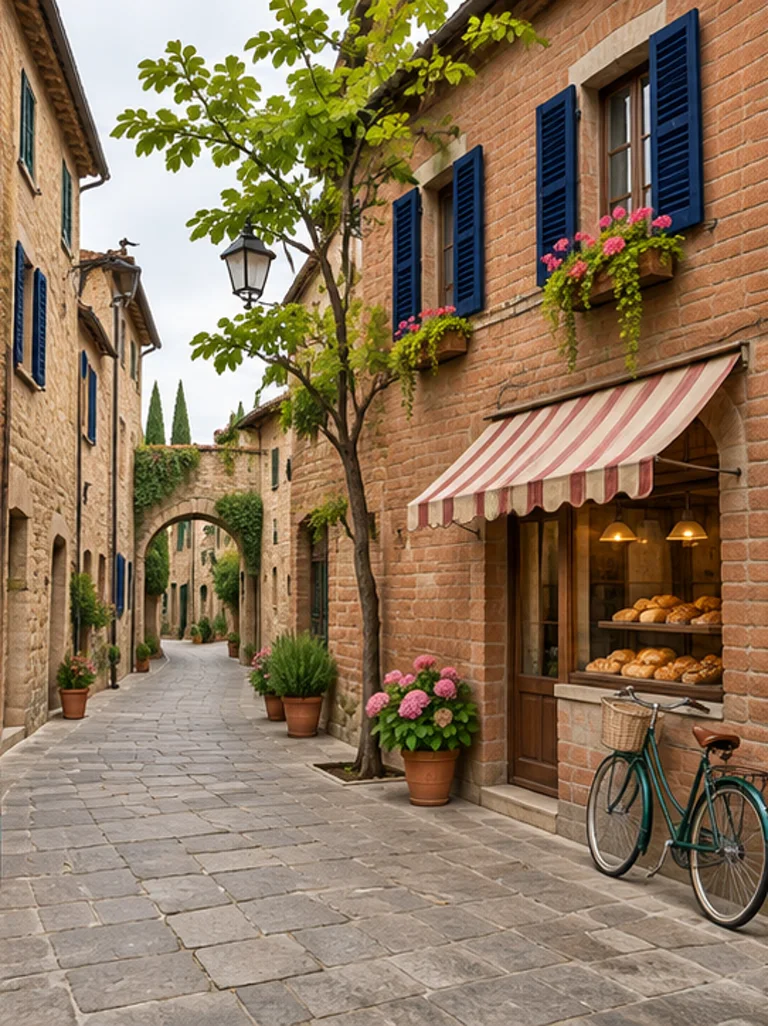
One reference image, three prompts
Compare how a narrowly scoped edit, a lighting change, and an art direction use the same framing. These are illustrative studies.
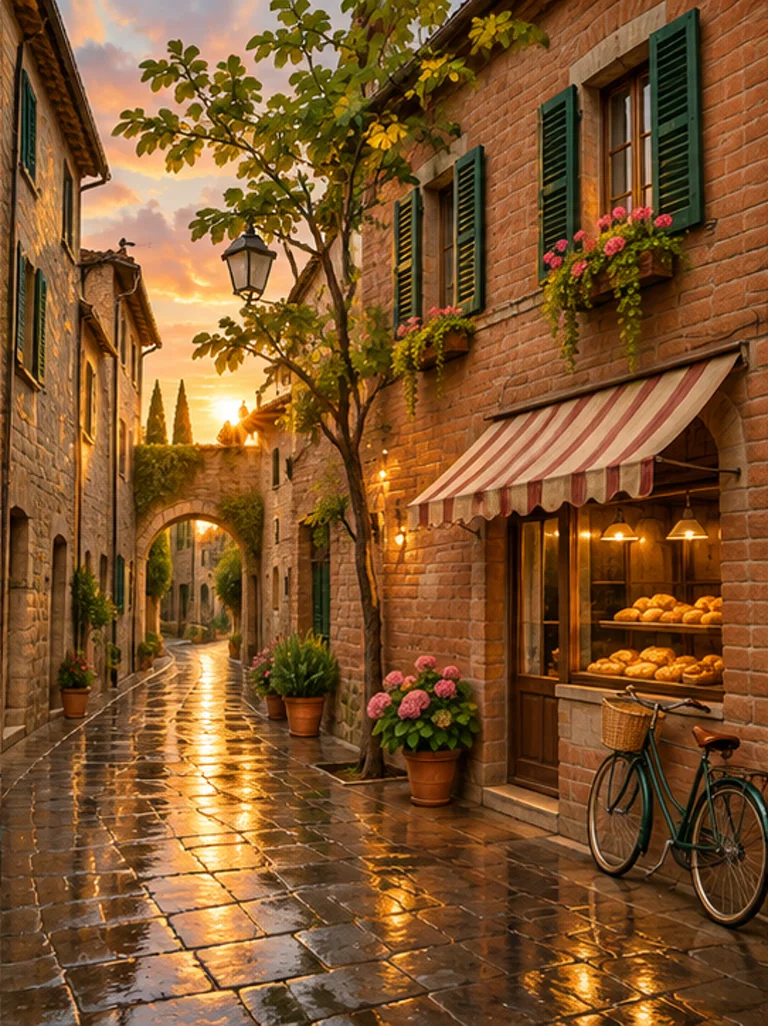
Rework the light
Lighting and material. Name the new reflections and keep the scene anchored.
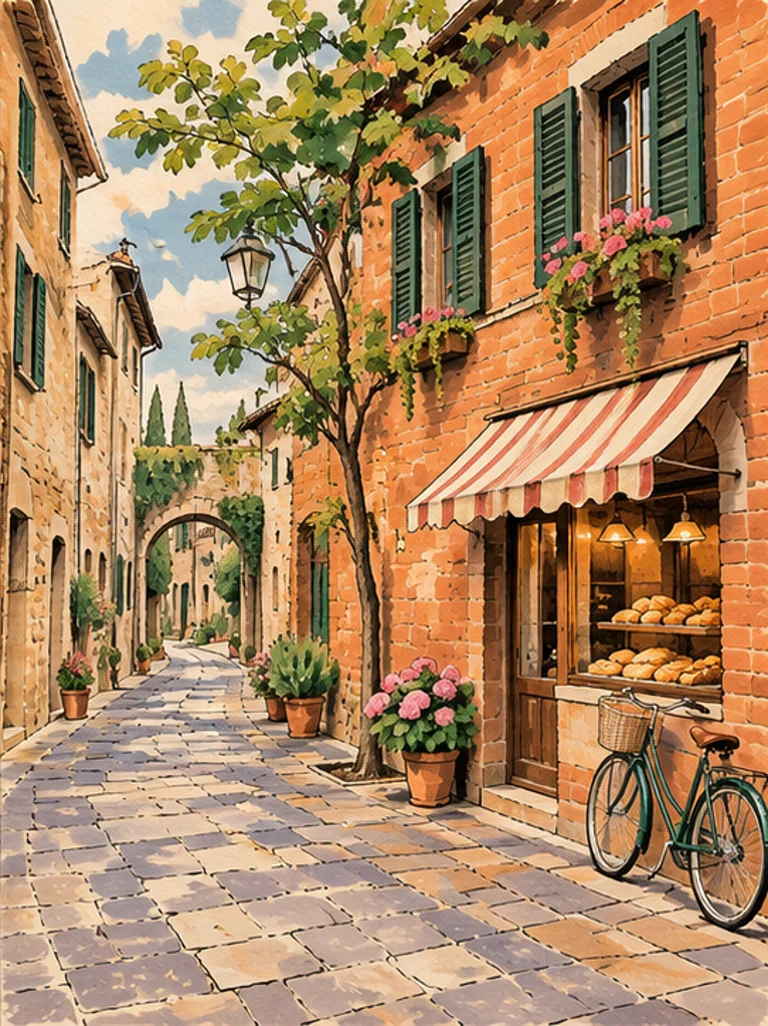
Change the medium
Full restyle. Name the medium and the geometry you want to retain.
Creative img2img transformations & style presets
Explore how a single reference photograph adapts across watercolor, retro pixel art, and widescreen scene expansion.
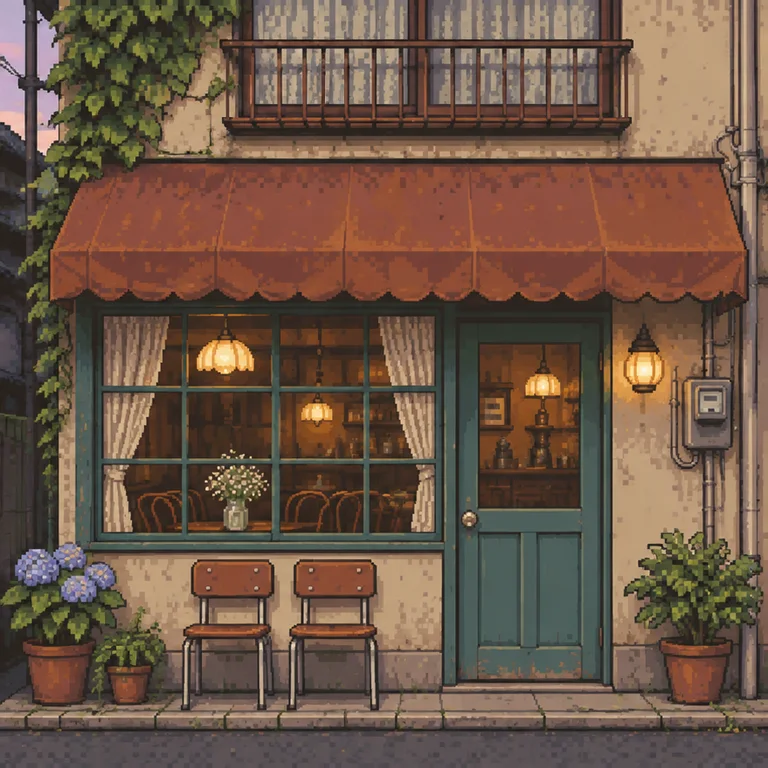 Pixel
32-bit pixel café
Anchor the door and awning before specifying the pixel density and palette.
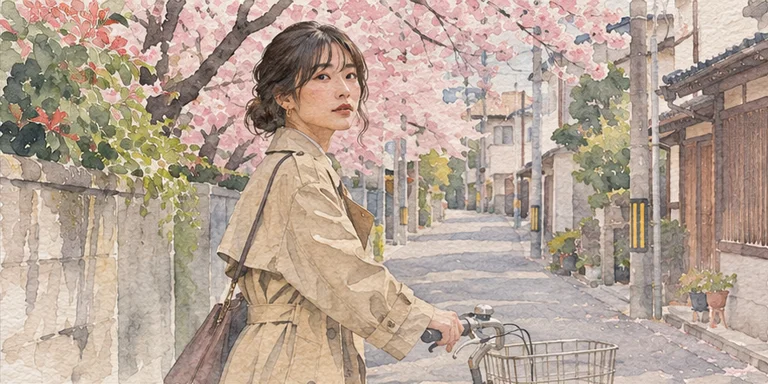 Watercolor
 street portrait
Use paper texture and brush style as specific direction.
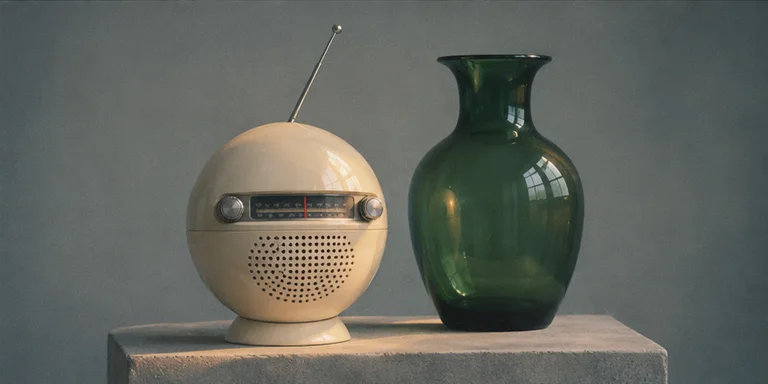 Film
Film-grade a studio still life
Specify the color grade and grain while holding the composition.
Img2Img or text to image?
Start with a reference
Use img2img when you already have the framing, pose or scene you want to keep. Upload that image and describe what should change, such as the medium or lighting.
Start with a description
Text-to-image starts from a written scene and builds a composition from scratch. When you have a result worth keeping, you can bring it here as a reference for the next edit.
Steer reference fidelity with studio precision
Balance reference detail with style
Decide which parts of your source carry the scene before asking for a different medium.
- Keep the shape and pose specific for people or recognizable objects.
- Describe the brushwork, palette and edge detail you want.
Build a second pass from your result
Img2img starts with a visual reference. You can keep working from an output by making the next prompt narrower.
- Set your medium or color grade in the first pass.
- Change one part in the next pass and compare at full size.
A repeatable 3-step img2img workflow
-
Choose a reference
Use a photo with a clear viewpoint and distinct forms.
-
Name the style
Describe the look and the features you want to carry forward.
-
Compare and refine
Download the result or use it as your next reference.
Mastering img2img: from subtle polish to full style transfer
The power of img2img lies in balancing how much of your reference photo stays locked versus how much the model reimagines. Structuring your prompt around subject anchor + target medium + lighting mood gives you studio-grade predictability:
- Subtle fidelity (Recolor & Relight): Keep geometry, textures, and camera framing locked while shifting color palettes or time-of-day light.
- Balanced restyling (Editorial & Cinematic): Preserve pose and layout while elevating atmosphere, film grain, and tonal contrast.
- Full medium transformation (Watercolor & Pixel Art): Retain recognizable silhouettes and perspective while repainting every surface in a new artistic medium.
Img2Img technical FAQ
What is img2img and why do creators prefer it?
Img2img (image-to-image) starts generation from an existing reference image instead of random noise. Creators use img2img to lock framing, pose, and perspective while transforming style, materials, or atmosphere.
How does img2img differ from text-to-image?
Text-to-image invents a brand-new layout every run, making consistency difficult. Img2img preserves your source photo's structure so every iteration stays anchored to your visual intent.
How do I control how strongly img2img transforms my photo?
Use tighter preservation phrasing and lower edit intensity for subtle relighting or recoloring, and bolder style directives (such as watercolor wash or 32-bit pixel art) when you want a full medium shift.
When should I switch from Smart to Professional mode?
Use Nano Banana 2.1 (Smart) for rapid creative exploration and style tests. Switch to Nano Banana Pro when finalizing high-resolution assets, editorial visuals, or intricate textures.
Can I chain multiple img2img passes together?
Yes. Once you love the lighting or cleanup from your first pass, feed that result straight into a second img2img pass to explore artistic styles without losing clarity.
Full creative control over every reference frame.
Upload your source image, steer style and fidelity with precision prompts, and compare every pass live.
Launch Img2Img StudioTemplates
Open a sample image and its edit instructions in your workspace.
My creations
Find your generated images and pick up a previous edit.
Sign in to see your creations
No creations yet. Generated images will appear here.
Your account
View your plan, credit balance and recent credit activity.
Sign in to view your account
Current plan
You have no active subscription.
Current period ends .
To resume a canceled renewal, use Waffo Pancake. To switch plans or move to a shorter period, cancel renewal and wait for your current plan to expire.
Credit balance
credits
- Gift
- Purchased
- Subscription
Credit activity
Loading activity…
| Date | Activity | Credits |
|---|
Account settings
Signed in as .