
 Recolor
 a ceramic mug
A single object on a plain backdrop makes color changes easy to compare.
Experience studio-grade free image to image editing before you upgrade. Sign in with Google for 2 free credits and export a clean, watermark-free transformation—no credit card required.
Upload a reference image or select a template to start.
Preview how a single clear prompt transforms product finishes, architectural mood, and natural lighting.
Recolor
A single object on a plain backdrop makes color changes easy to compare.
 Relight
Try a narrow instruction that describes the light and keeps the subject fixed.
 Restyle
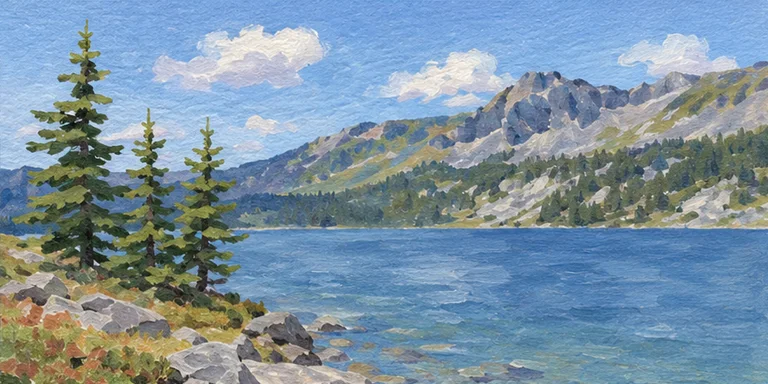
List the two or three shapes that make the scenery recognizable.
Pick a sharp, well-lit photo with a clear subject. Describe one change, then list two details to preserve.
Move the comparison handle or load a different starter template.
Receive 2 signup credits without entering payment details.
Use both credits for one Smart edit and download without a site watermark.
Trying an AI creative tool should feel effortless—not like navigating a maze of watermarks and paywalls. Signing in with Google unlocks 2 free credits so you can upload your own photograph, test real prompt control, and inspect a clean full-resolution result before deciding on a plan.
| Feature | Free Trial (Sign Up) | One-Time Credit Packs | Pro Subscriptions |
|---|---|---|---|
| Credits included | 2 free credits | 100 – 750 credits (never expire) | 60 / wk · 200 / mo · 220 / mo (yearly) |
| Watermarks | None (clean export) | None (clean export) | None (clean export) |
| AI Models | Nano Banana 2.1 (Smart) | Smart & Pro models | Smart & Pro HD models |
| Parallel jobs | 1 at a time | 1 at a time | Up to 3 parallel renders |
| Credit card needed | No | At checkout | At checkout |
Sign in with Google to receive 2 free credits—ready to use immediately for a complete, full-resolution generation in Smart mode with no credit card required.
No. Every export is completely watermark-free so you can judge true visual quality on your own photos.
Sharp, well-lit JPG, PNG, or WebP photos up to 5 MB produce the cleanest results—whether you are recoloring a product, warming up room light, or restyling a street scene.
Yes. You can grab a one-time credit pack that never expires, or choose a weekly, monthly, or yearly Pro subscription whenever your workflow grows.
Yes. Temporary uploads are never published and are automatically deleted within 24 hours.
Yes—explore our interactive before-and-after examples right on this page to see how prompt wording steers the final image.
Claim your 2 free credits with Google sign-in and export a clean, watermark-free transformation in seconds.
Start your free trialOpen a sample image and its edit instructions in your workspace.
Find your generated images and pick up a previous edit.
No creations yet. Generated images will appear here.
View your plan, credit balance and recent credit activity.
You have no active subscription.
Current period ends .
To resume a canceled renewal, use Waffo Pancake. To switch plans or move to a shorter period, cancel renewal and wait for your current plan to expire.
credits
Loading activity…
| Date | Activity | Credits |
|---|
Signed in as .