
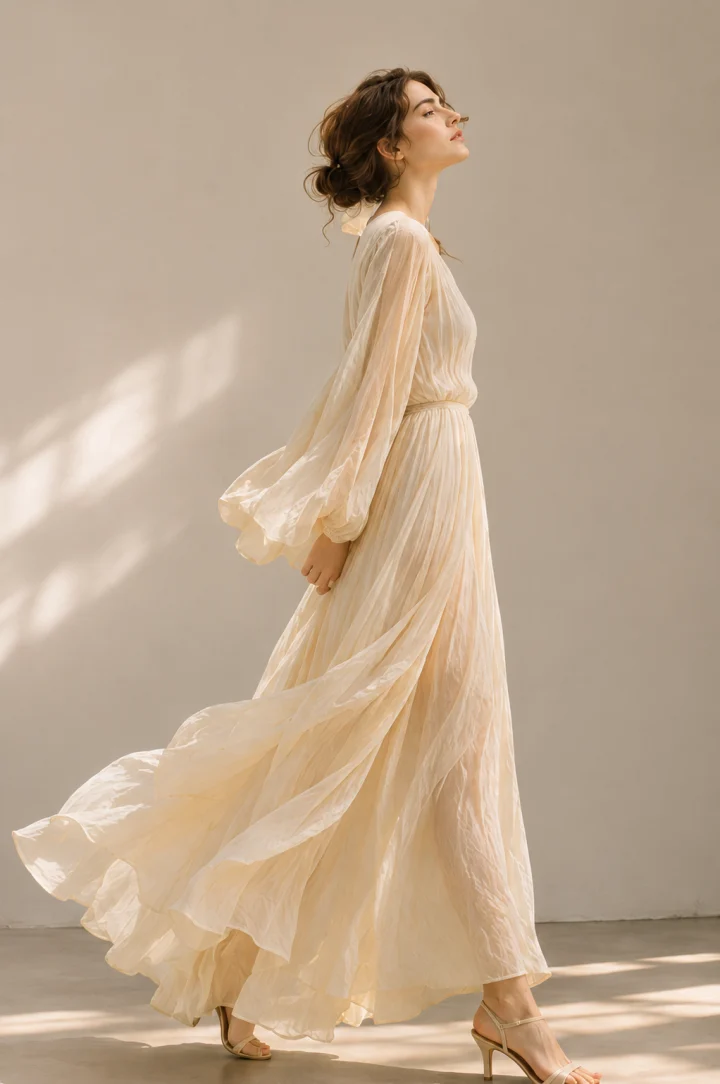
 Natural
Refine the photo with soft natural light and restrained colour.
Transform a photo with simple creative controls.
Upload a reference image or select a template to start.
Use a ready-made style with the sample photo, then adapt the prompt to your own image.
Natural
Refine the photo with soft natural light and restrained colour.
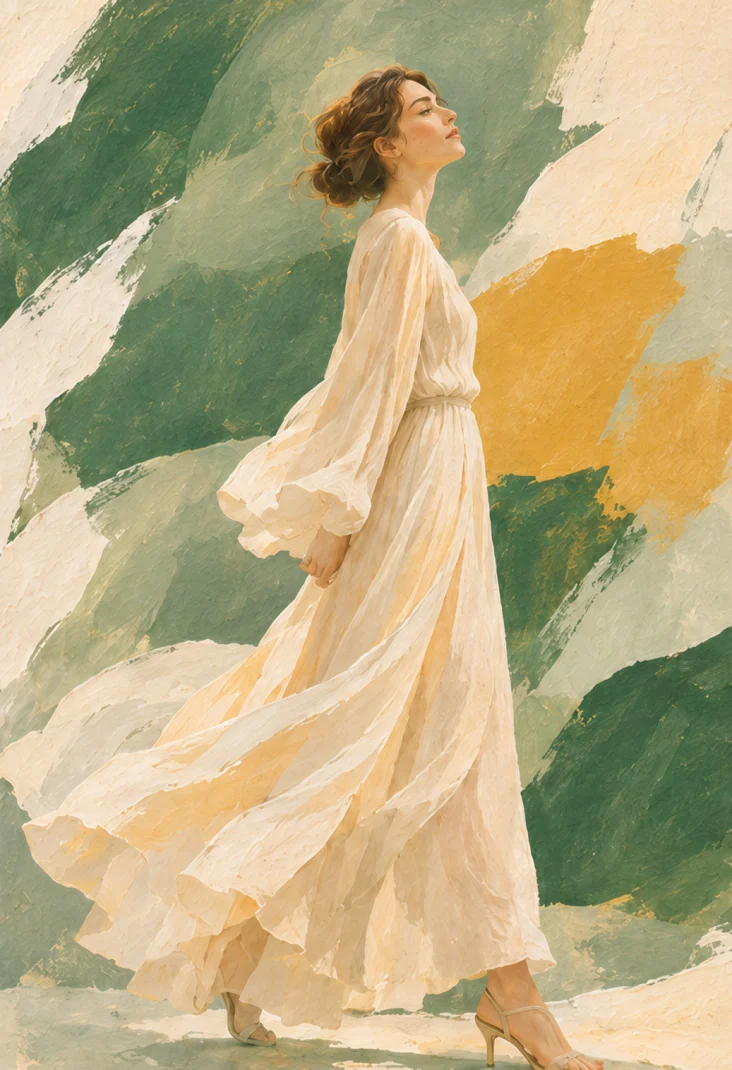 Painting
Turn this photo into an editorial gouache painting. Use soft sage and ochre brushwork.
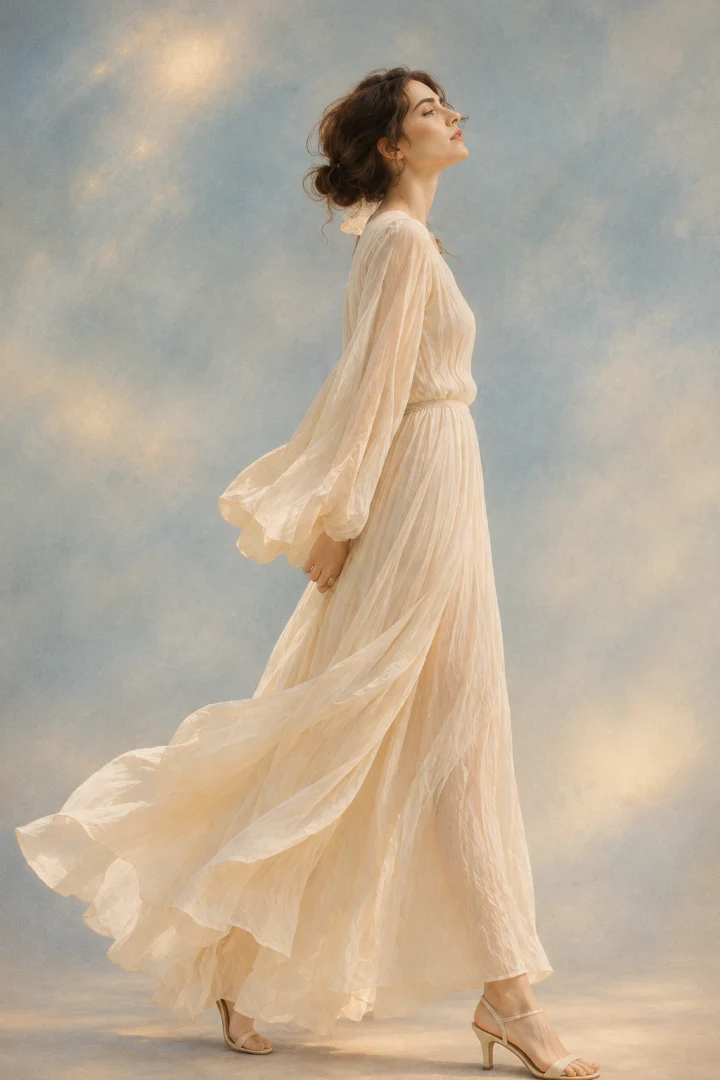 Film
Give the photo an analogue film look with soft blue tones and subtle grain.
Explore how one deliberate change affects the result. These comparisons are illustrative.
 Original
 Transformation
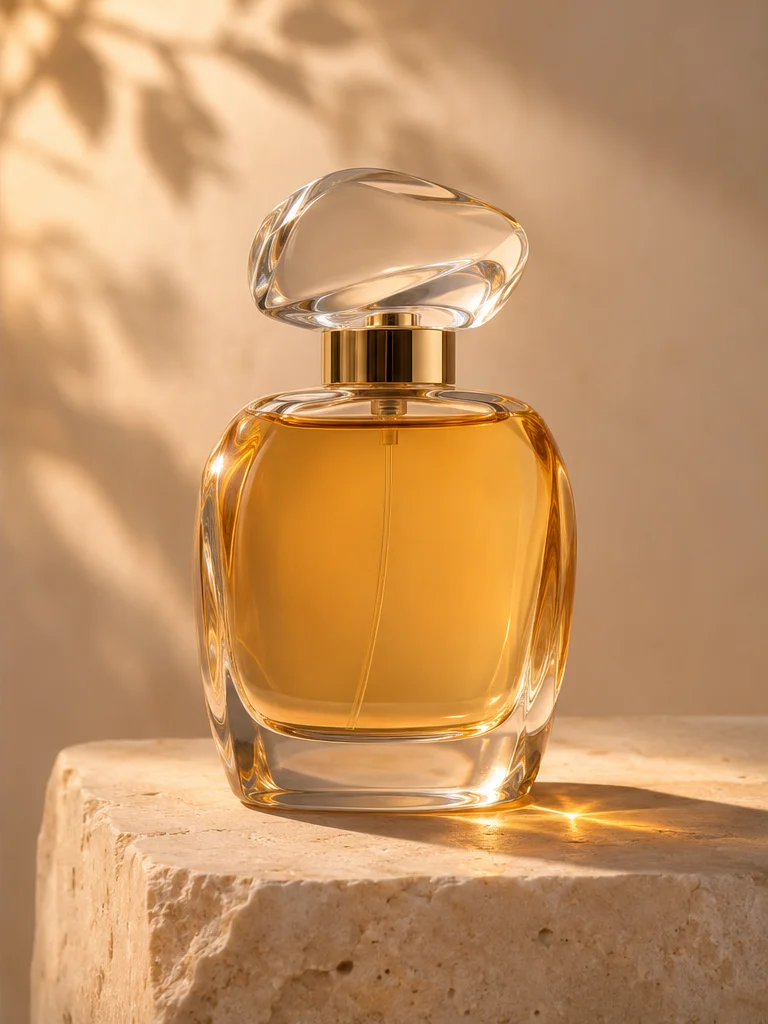
This illustration shows how to specify a finish without moving the product. Compare the curve of the neck, the base edge, and the highlight on the shade before accepting the change.
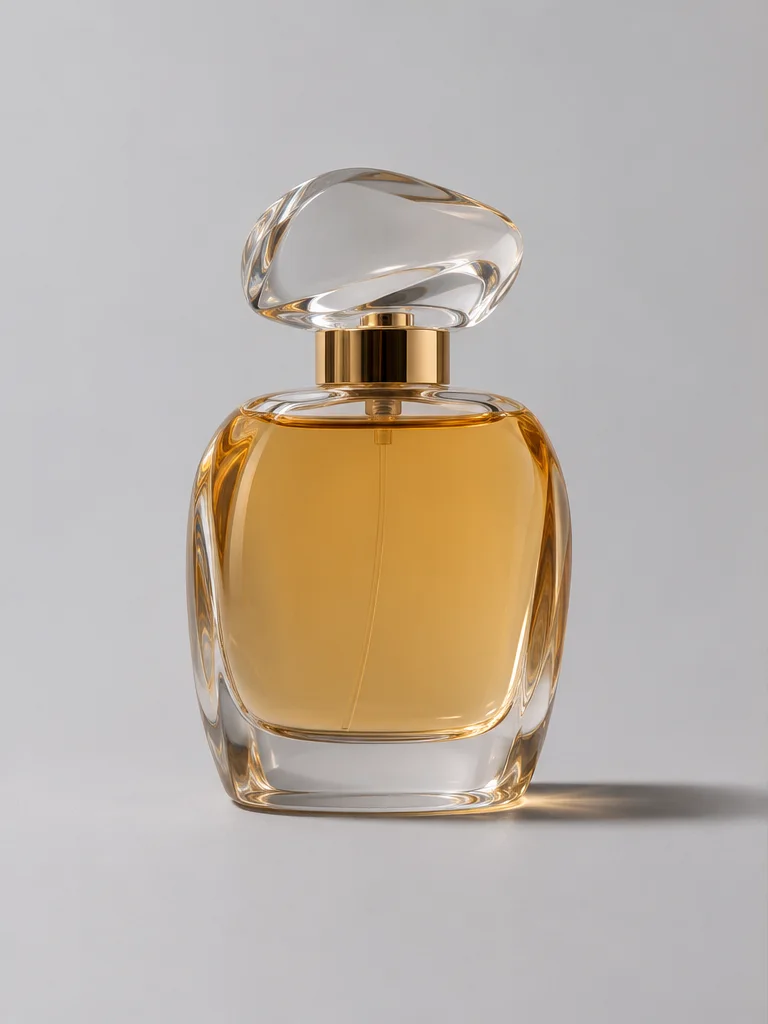 Original
 Transformation
Specify the new setting and the details that identify the product.
 Original
 Transformation
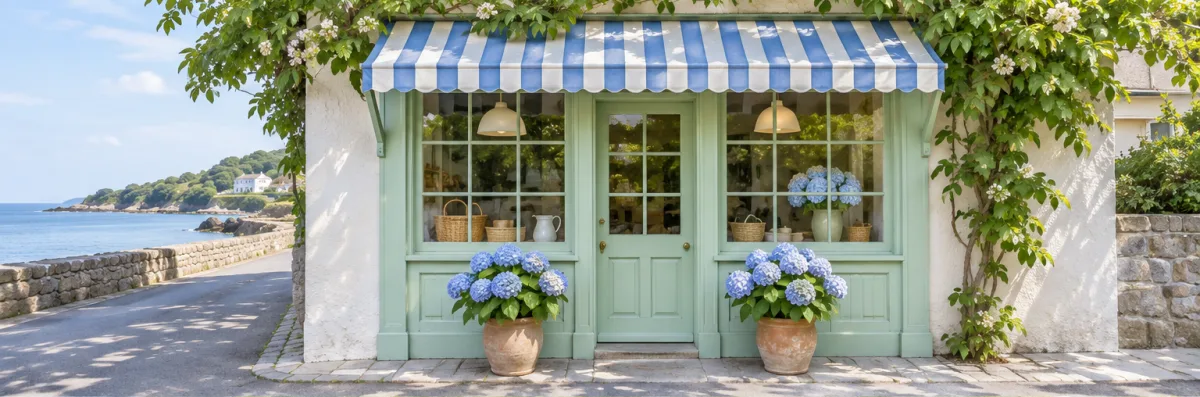
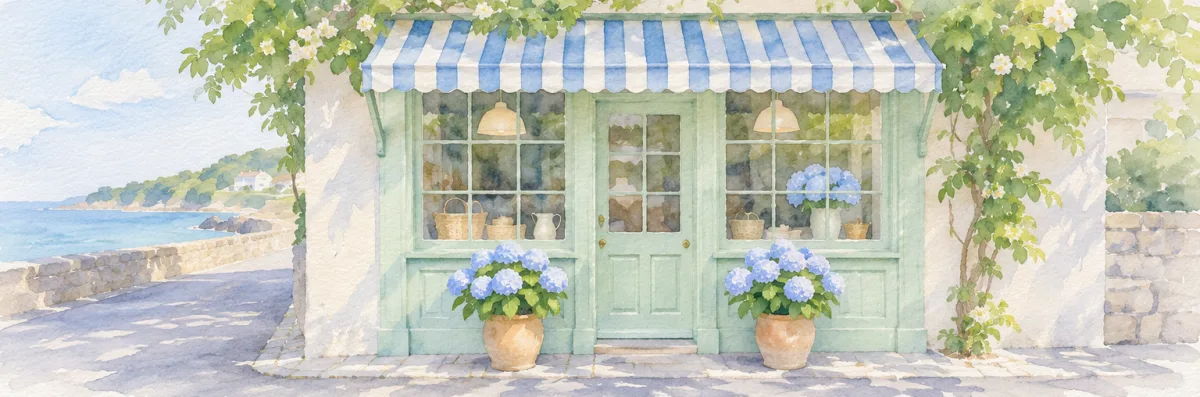
Choose the details that define the building before changing the medium. Check that the entrance and awning still sit where a viewer expects, even when linework and color are simplified.
 Original
 Transformation
Describe the light source, direction and time of day. Inspect shadows around the chair and the wall near the window so the new lighting still reads as one scene.
 Original
 Transformation
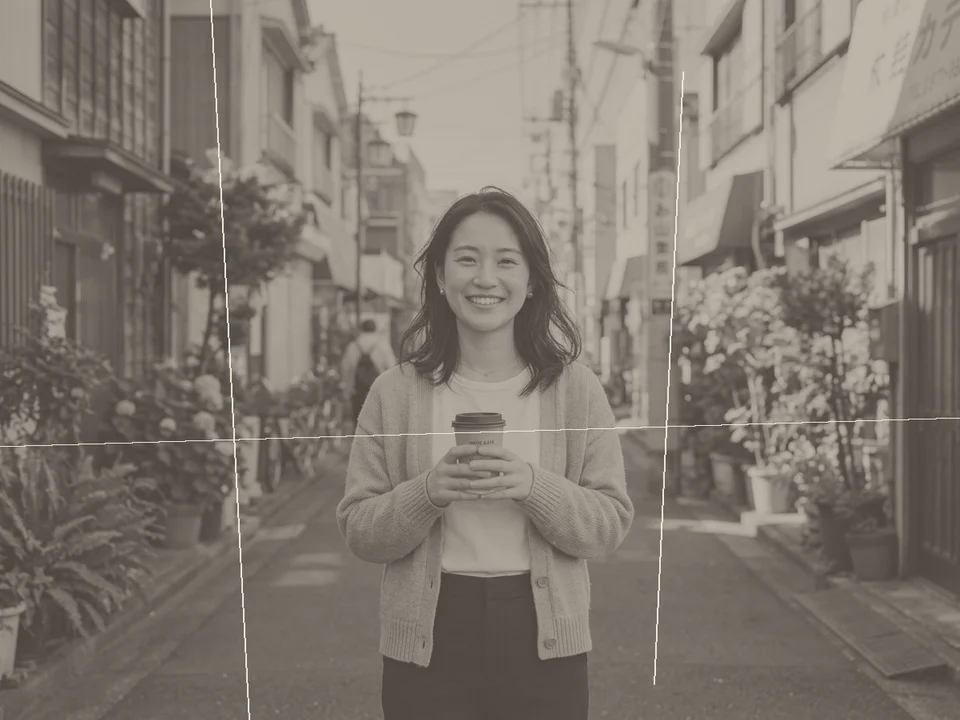
Look at faces and lettering when comparing the restored image. Details lost in the original may be reconstructed.
Use a photograph to anchor the viewpoint and subject placement while you try another medium.
Keep the product recognizable while you change the finish, setting, or light.
Choose or drop a JPG, PNG, or WebP file up to 5 MB.
State one clear change and name the details you want to keep.
Compare the edit with the original, then download or keep editing.
An image to image AI generator uses your existing photo and an editing instruction to create a new version. You can change the style, color, lighting or background while using the original as a reference.
Yes. Sign in with Google to receive 2 signup credits for one Smart edit across the site. The download has no site watermark and the trial requires no card.
Name the subject and the exact change. List the framing, pose, material or background details you want to preserve. Compare the result with the source before using it.
Smart uses 2 credits for general editing. Professional uses 5 credits and requires a paid Pro subscription.
Yes. Select Continue editing to use the generated image as your next reference. A new generation uses credits.
Temporary source uploads are deleted within 24 hours. See the Privacy Policy for more about how photos are processed.
Load a sample, change the prompt, or upload a photo of your own.
Back to workspaceOpen a sample image and its edit instructions in your workspace.
Find your generated images and pick up a previous edit.
No creations yet. Generated images will appear here.
View your plan, credit balance and recent credit activity.
You have no active subscription.
Current period ends .
To resume a canceled renewal, use Waffo Pancake. To switch plans or move to a shorter period, cancel renewal and wait for your current plan to expire.
credits
Loading activity…
| Date | Activity | Credits |
|---|
Signed in as .